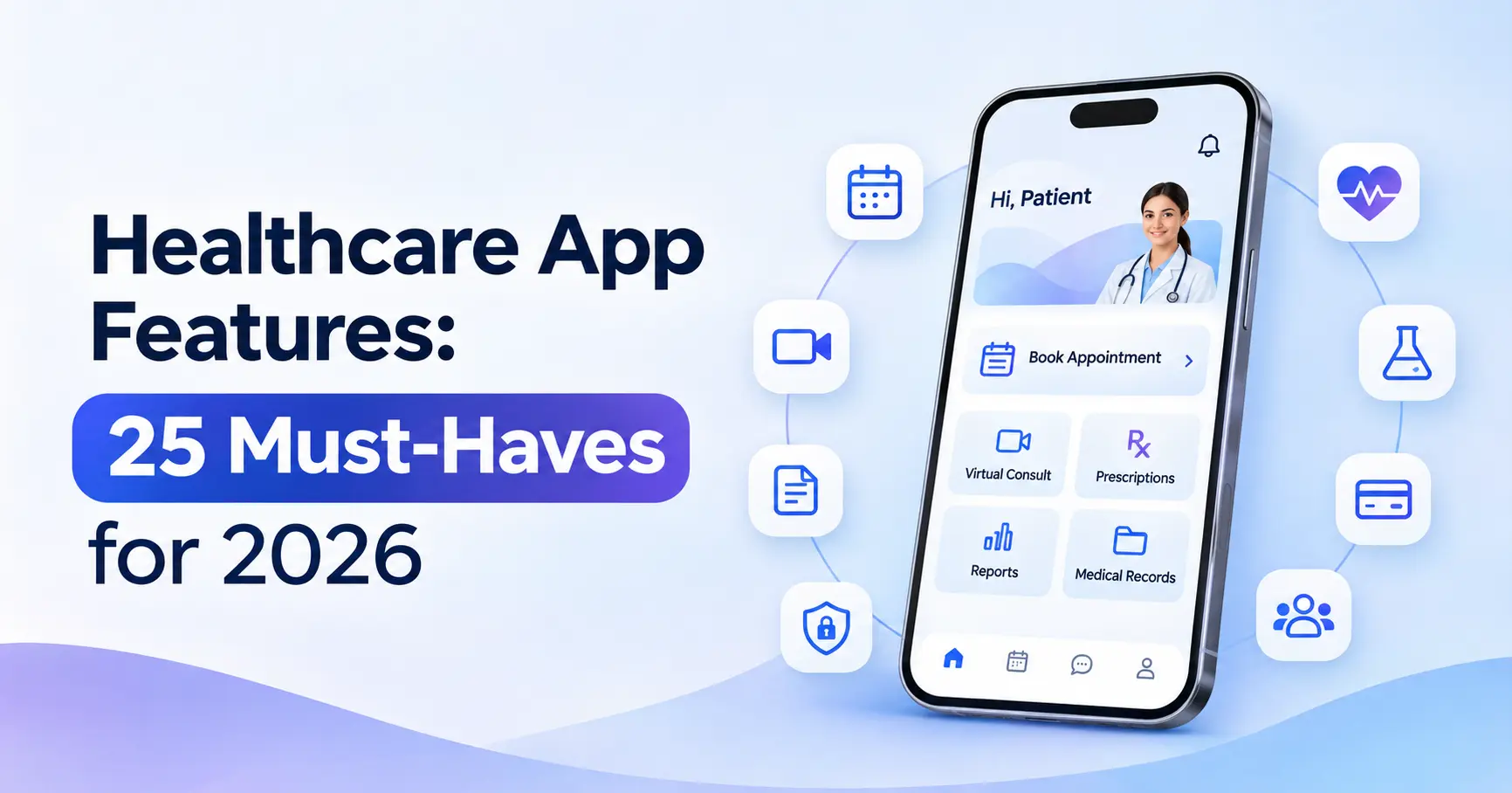
The right healthcare app features decide whether patients keep using your app and whether doctors and front desk staff actually adopt it. Too few features and the app feels incomplete; too many and it becomes slow, confusing and expensive to build.
This guide lists the 25 must have healthcare app features for 2026, grouped by who uses them patients, doctors and clinic admins, plus the security and integration features every health app needs. It’s the same feature map our healthcare app development team uses when planning products like RazorClinic, our own clinic management SaaS.
Key Takeaways
- Plan healthcare app features by user group. Patients, doctors and admins need different things, and each group must find the app easier than what they use today.
- Booking, reminders and secure messaging come first. These patient features drive daily use and reduce no-shows.
- AI is now a core feature, not an extra. AI patient intake and AI-drafted clinical notes save the most time for clinics.
- Security features are non-negotiable. Role-based access, audit logs and encryption are part of the product, not an add-on.
- Launch with fewer, better features. Most successful MVPs ship 10-12 of these healthcare app features first, then add the rest from real usage.
Patient App Features (1-10)
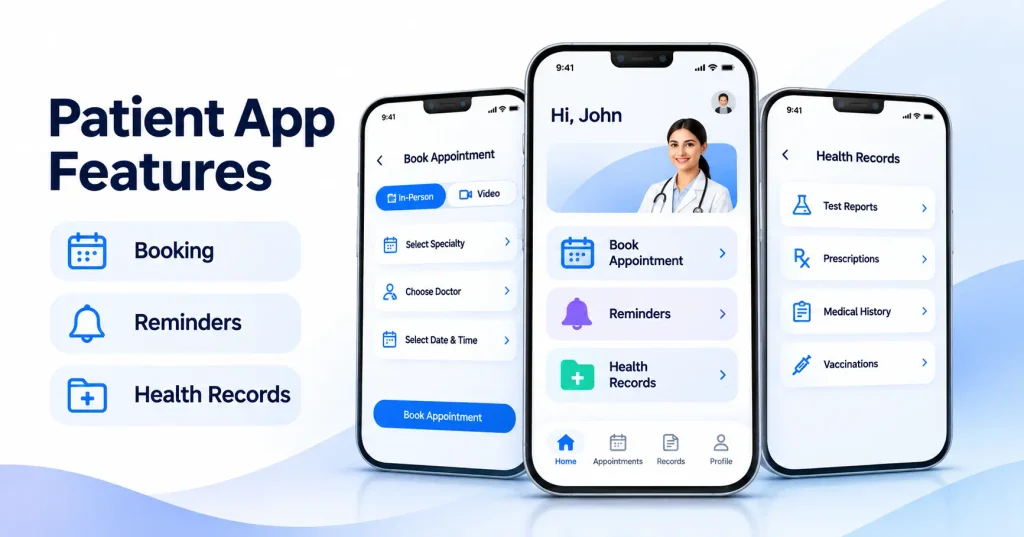
Patient facing healthcare app features decide whether people download your app once or use it for every visit.
1. Secure Sign Up and Login
OTP or email sign-up, biometric login (Face ID or fingerprint) and optional multi-factor authentication. Keep sign-up short, ask for details only when they’re needed, not all at once.
2. Online Appointment Booking
Real-time slots by doctor, location and visit type, with easy rescheduling and cancellation. This is the single most-used patient feature in most clinic apps.
3. Smart Reminders
Appointment, medication and follow-up reminders by push notification, SMS, WhatsApp or email. Good reminders reduce no-shows and keep patients on track. Keep personal health details out of the reminder text.
4. AI Patient Intake
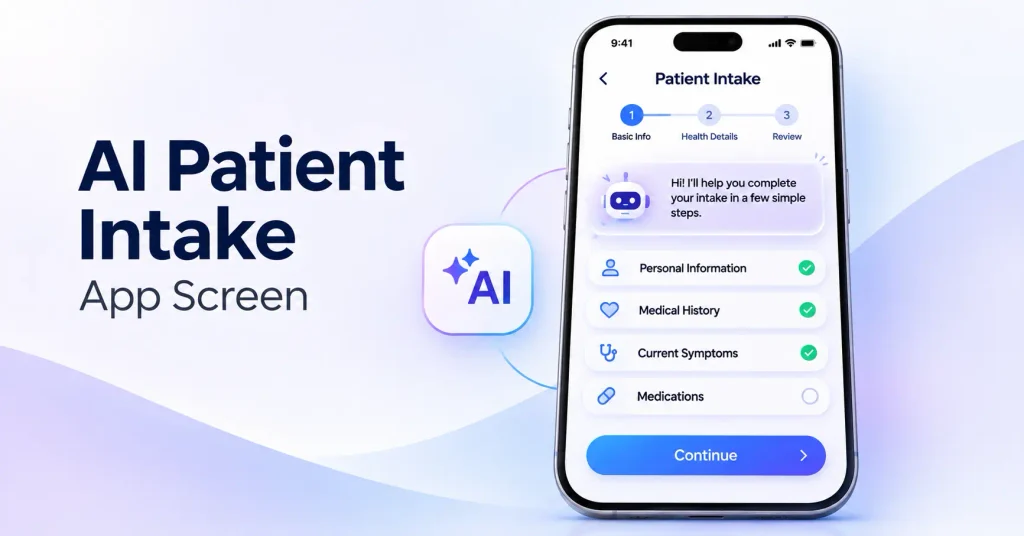
A conversational intake form in the patient’s own language collects symptoms, history, medicines and allergies before the visit, then gives the doctor a structured summary. It’s one of the most valuable new healthcare app features because it saves time at the front desk and in the consult room.
5. Telehealth Video Consultations
Secure video visits with waiting rooms, screen sharing for reports, and in-call notes. Include a test-your-connection step to avoid failed calls.
6. Secure Messaging With the Care Team
Encrypted chat for questions, follow-ups and document sharing, with clear expected response times and routing to the right staff member.
7. Personal Health Records and Lab Results
Visit history, prescriptions, lab results and reports in one place, downloadable and shareable with other providers when the patient chooses.
8. E-Prescriptions and Medication Management
Digital prescriptions, refill requests and dose reminders. Where allowed, connect to pharmacies so patients can order refills directly.
9. Payments, Insurance and Invoices
Online payment, saved payment methods, insurance details, invoices and receipts. Clear prices and simple checkout reduce billing calls.
10. Wearable and Device Integration
Sync data from smartwatches, glucose meters or blood pressure monitors for remote patient monitoring. Show doctors trends and alerts, not raw data streams.
Doctor and Clinician Features (11-16)
If doctors find the app slower than paper, they won’t use it. These healthcare app features must save clinicians time from the first day.
11. Unified Patient Profile (EMR)
History, allergies, current medicines, past visits and results on one screen, so the consult starts with care, not questions.
12. AI Clinical Notes
An AI scribe turns the consultation, or the doctor’s dictation, into a draft note that the doctor reviews and signs. This is one of the fastest-growing healthcare app features because documentation takes so much of a doctor’s day. Read how we approach this safely in our guide to AI agent development.
13. Smart Templates and E-Prescribing
Specialty templates, favorite prescriptions, dosage checks and allergy alerts. Fewer clicks per visit means more time with patients.
14. Lab and Imaging Orders and Results
Order tests from the patient profile and receive results back into it, with flags for abnormal values.
15. Schedule and Queue Management
Daily schedule, patient check-in status, waiting queue and follow-up lists in one view, updated live as the front desk works.
16. Referrals and Care Coordination
Send referrals with the right history attached, track their status, and share notes securely with other providers.
Clinic Admin and Owner Features (17-21)
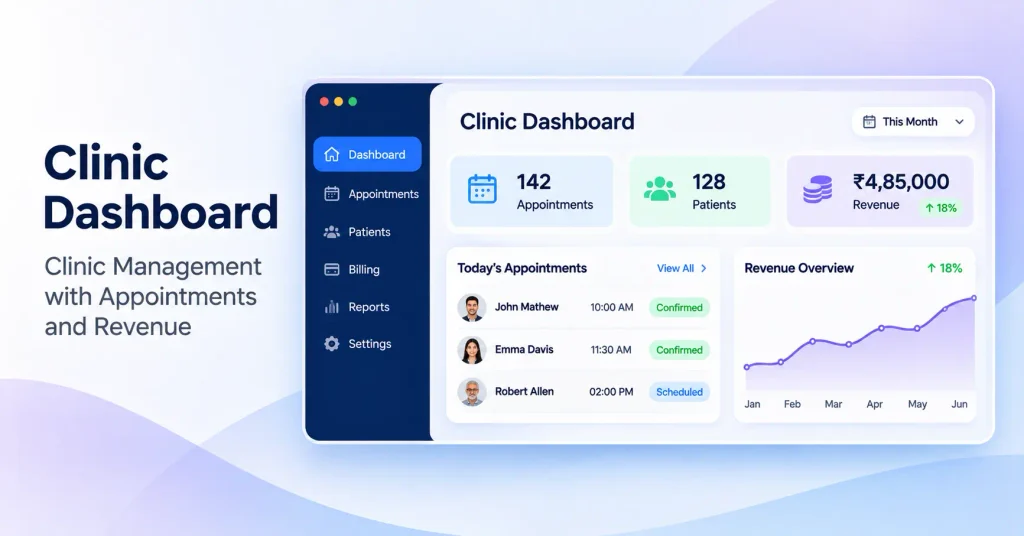
These healthcare app features keep the clinic running and help owners make decisions with real numbers.
17. Multi-Location and Multi-Tenant Management
Manage several branches, doctors and services from one account. For SaaS products, multi-tenancy keeps each clinic’s data fully separate, which is how we built RazorClinic.
18. Billing, Coding and Insurance Claims
Invoices, packages, discounts, insurance claims and payment tracking, with codes suggested automatically where possible to reduce rejected claims.
19. Staff Roles and Permissions
Different access for doctors, nurses, receptionists, billing staff and owners, so everyone sees exactly what their job needs and nothing more.
20. Analytics and Reports
Appointments, no-show rates, revenue, doctor utilization, patient growth and service performance, in dashboards owners can read in a minute.
21. Patient Feedback and Reviews
Automatic feedback requests after visits, with easy routing of happy patients to public reviews and quick follow-up on complaints.
Security, Compliance and Integration Features (22-25)
Users rarely see these healthcare app features, but without them the app can’t be trusted, sold to hospitals, or connected to other systems.
22. Role-Based Access and Audit Logs
Every user gets only the access their role needs, and every view, edit and export of a patient record is logged and can’t be altered.
23. Encryption and Regulatory Compliance
Encryption in transit and at rest, MFA for staff, automatic logout and compliance with the rules in your market: HIPAA in the US, GDPR in Europe, and ABDM and DPDP in India. For US apps, follow our step-by-step guide to HIPAA compliant app development.
24. Interoperability With HL7 FHIR and National Health Systems
Exchange data with EHRs, labs and pharmacies using HL7 FHIR, and connect to national systems such as India’s ABDM. Interoperability is fast becoming a buying requirement for clinics and hospitals.
25. Accessibility and Multilingual Support
Large text, screen reader support, good color contrast and simple flows for older patients, following WCAG guidelines, plus support for your patients’ languages, including right-to-left scripts like Arabic.
How to Prioritize Healthcare App Features for Your MVP
You don’t need all 25 healthcare app features on day one. Pick the ones that solve the most painful problem for your first users, plus the security features every health app needs.
| App type | Launch with (MVP) | Add in phase 2 |
| Clinic management app | 1, 2, 3, 11, 13, 15, 17, 18, 19, 22, 23 | 4, 12, 14, 20, 21, 24 |
| Telehealth app | 1, 2, 3, 5, 6, 8, 9, 22, 23 | 4, 7, 12, 16, 25 |
| Patient engagement app | 1, 2, 3, 6, 7, 21, 22, 23 | 4, 8, 9, 10, 25 |
| Remote monitoring app | 1, 3, 6, 10, 11, 22, 23 | 12, 16, 20, 24 |
| Hospital or multi-clinic platform | 1, 2, 3, 11, 14, 15, 17, 18, 19, 22, 23, 24 | 4, 12, 16, 20, 25 |
Three rules for choosing healthcare app features:
- Start from one clinical workflow. Ask which daily task wastes the most time for patients or staff, and solve that first.
- Security features are never phase 2. Access control, audit logs and encryption ship with the MVP.
- Let usage decide the rest. Track which features people use and what they ask for, then build the next ones.
For the full process, from choosing your app type to architecture and launch, read our HealthTech App Development in 2026 playbook.
Common Mistakes When Planning Healthcare App Features
- Copying a competitor’s feature list instead of starting from your users’ biggest problem
- Designing only for doctors. Receptionists and nurses use the app all day, and their speed decides adoption.
- Leaving security for later, which makes the app impossible to sell to larger clinics and hospitals
- Putting health details in notifications, emails or SMS previews that anyone can see on a locked phone
- Ignoring older patients and slow internet, with small text, long forms and heavy screens
- Adding AI without human review, so AI suggestions reach the medical record without a clinician checking them
- Building every feature before launch, instead of shipping a focused MVP and learning from real use
Frequently Asked Questions
For most apps secure login, online appointment booking, reminders, secure messaging, health records, and security features like role-based access, audit logs and encryption. In 2026, AI patient intake and AI clinical notes are fast becoming standard.
Sign-up and login, appointment booking, reminders, AI intake forms, telehealth video visits, secure messaging, health records and lab results, prescriptions and refills, online payments, and device integration for remote monitoring.
A unified patient profile, AI-drafted clinical notes, templates and e-prescribing, lab orders and results, schedule and queue management, and referral and care coordination tools.
Secure video consultations, appointment booking, reminders, secure messaging, e-prescriptions, payments, health records and strong data security with consent management.
Most successful healthcare MVPs launch with 10-12 core features that solve one workflow well, plus the essential security features, then add the rest based on real usage.
AI patient intake, AI clinical notes, smart scheduling and no-show prediction, symptom summaries, document and lab report extraction, and support chatbots, always with clinician review for anything clinical.
Role-based access, audit logs, encryption in transit and at rest, multi-factor authentication for staff, automatic logout, and compliance with laws like HIPAA, GDPR or ABDM.
Briskcovey is an AI-first software studio and Anthropic Claude Partner that builds and runs its own clinic management SaaS, RazorClinic. We know which healthcare app features clinics actually use, and we build them securely from day one.
Build Your Healthcare App With Briskcovey
Briskcovey is an AI-first software studio in Jaipur, India, and an Anthropic Claude Partner. We help clinics, healthtech startups and health networks choose the right healthcare app features and build them securely, from patient apps and telehealth to clinic management and AI tools. We also run our own clinic SaaS, RazorClinic, so we know which features clinics actually use.
Whether you’re planning a new app or adding AI features to an existing one, we start the same way: one clinical workflow, mapped properly.
Book a free 30-minute healthcare app consultation